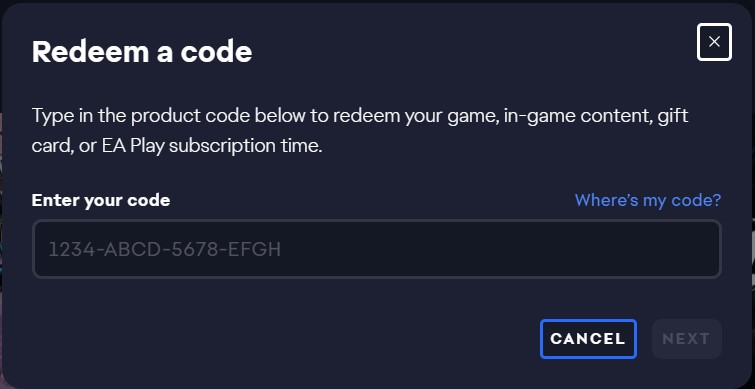
Redeem your product code in the EA app
2.Log in to your EA Account.
3.Open My Library.
4.Select Redeem Code.
Redeem your code at ea.com/redeem
1.Go to visit ea.com/redeem.
2.For PC codes, click on the Redeem button. For all other platforms, click the right button below the Redeem button.
3.Type in your product code, then click Next.
Once you’ve redeemed your code, your game will appear in your account.